Products
View only. Open this site from your hive (not from a view link) to make changes.
Checkout is not open yet. Connect Stripe on this site's Shop tab in your hive, then ask your agent to open checkout.
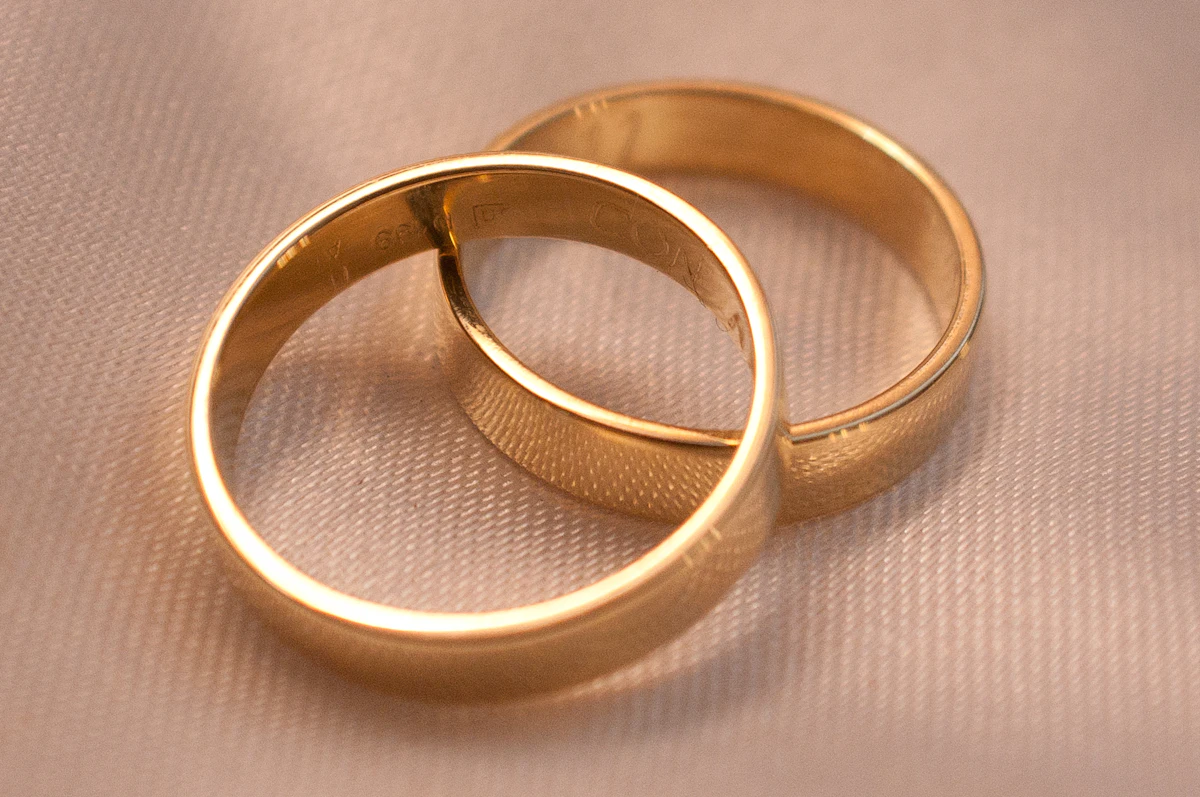
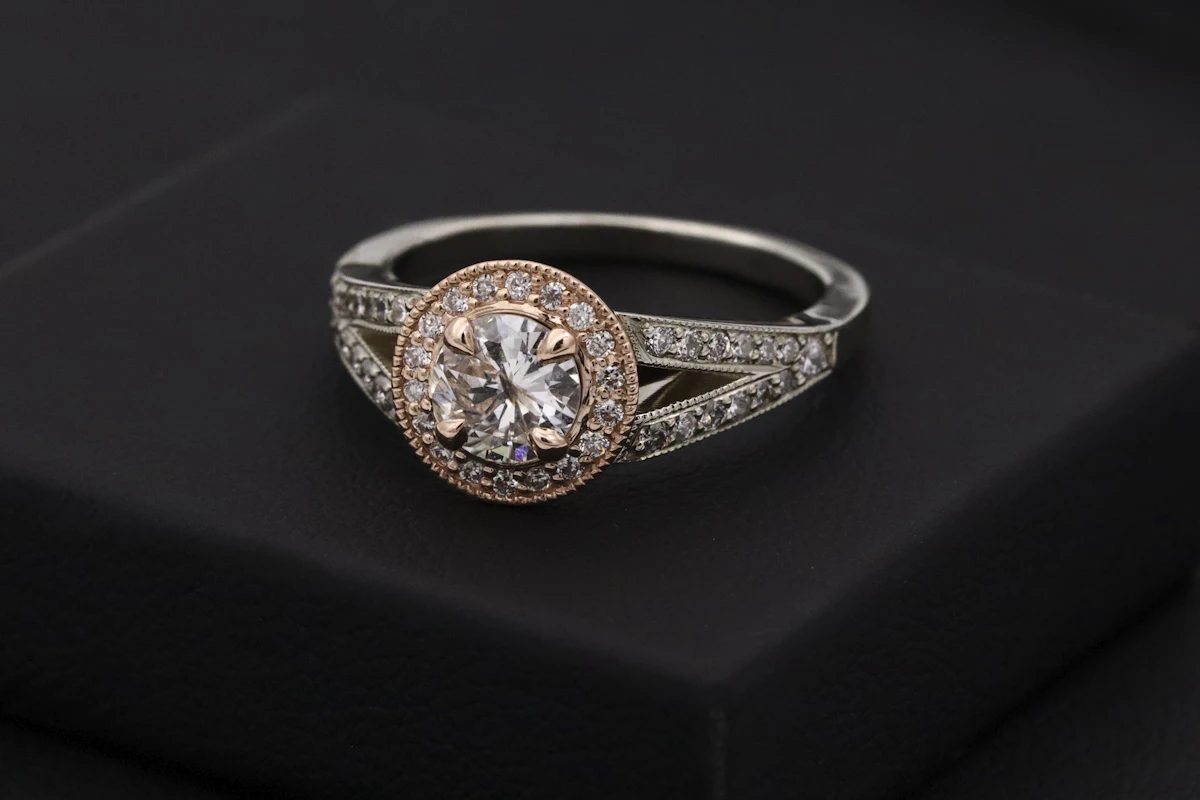
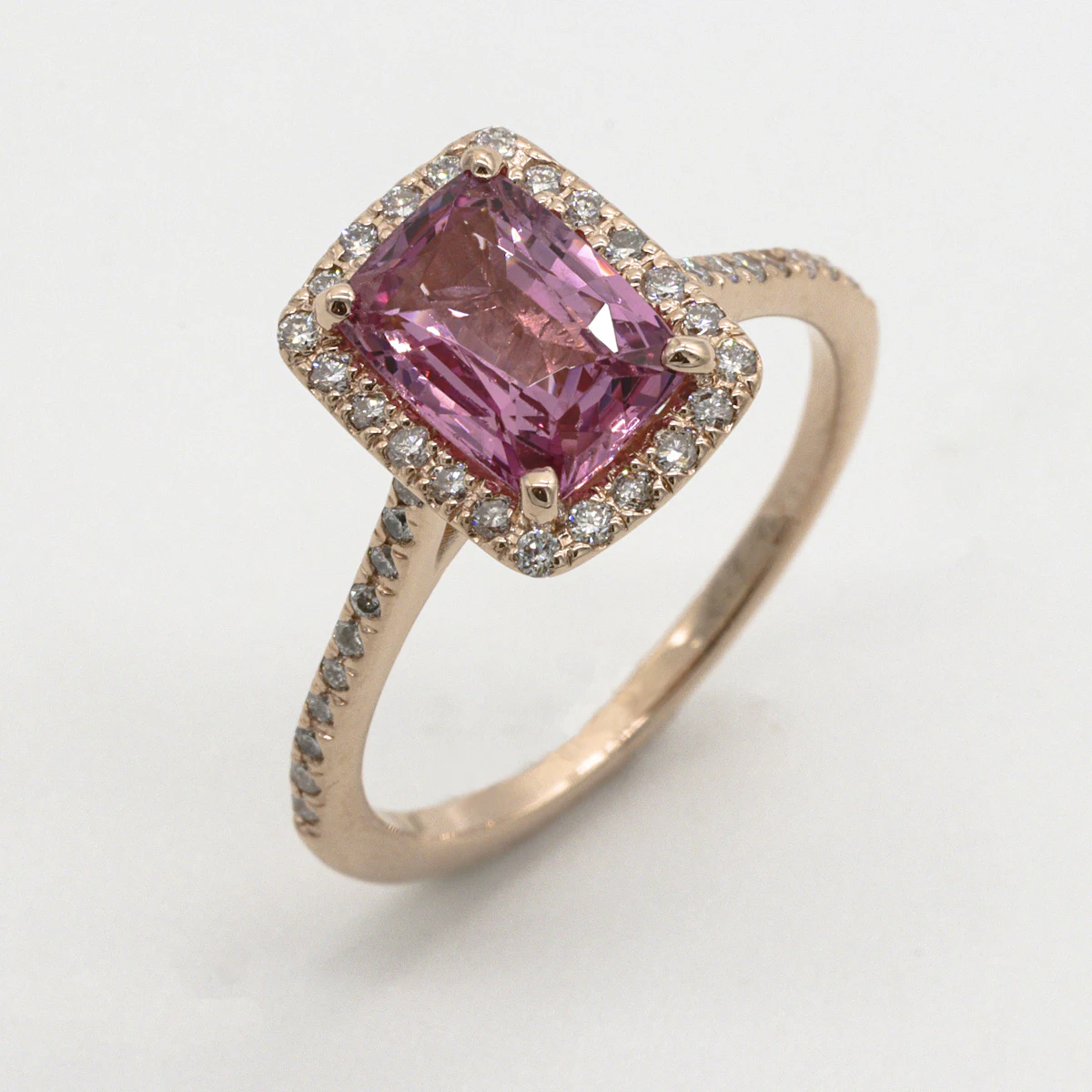
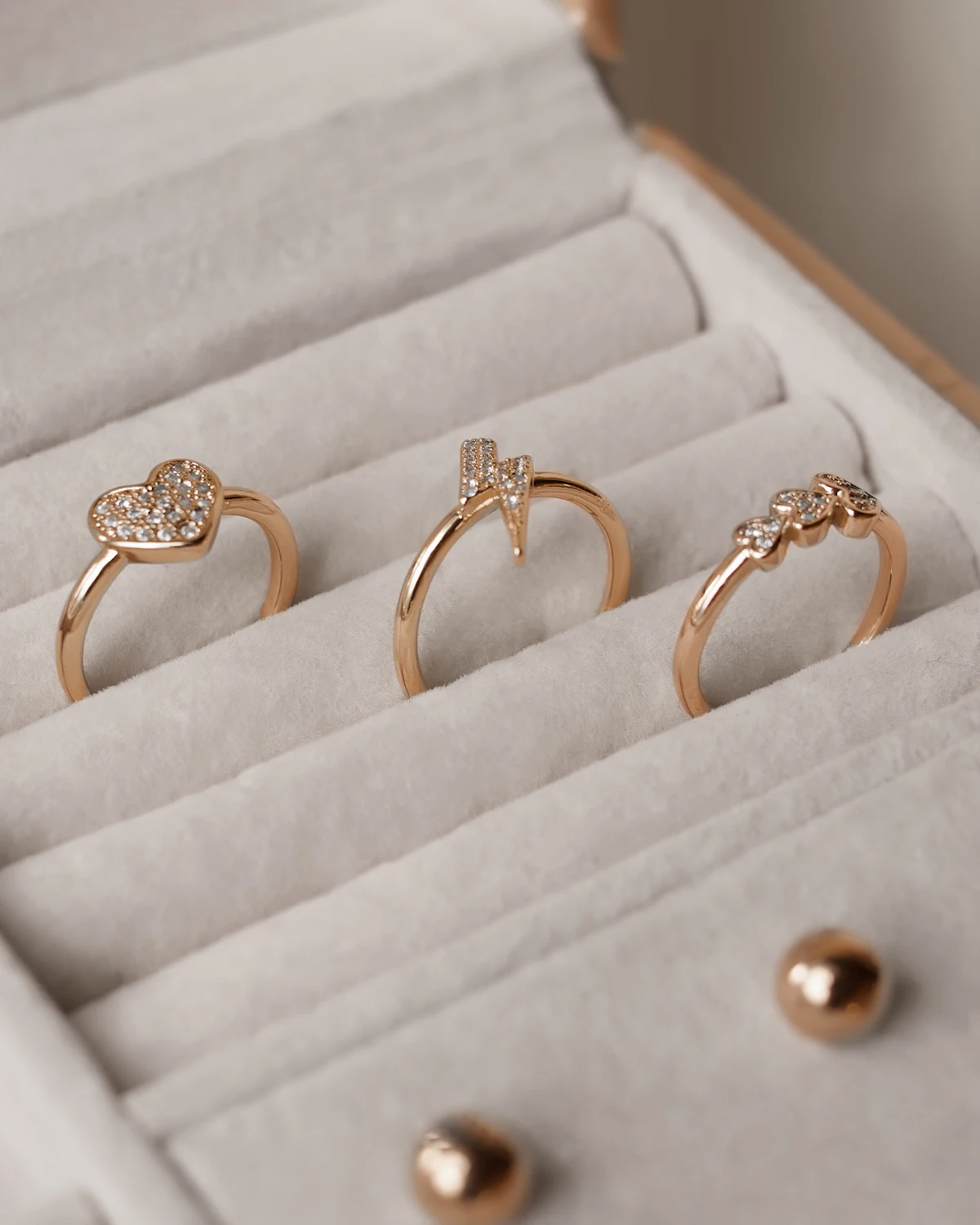
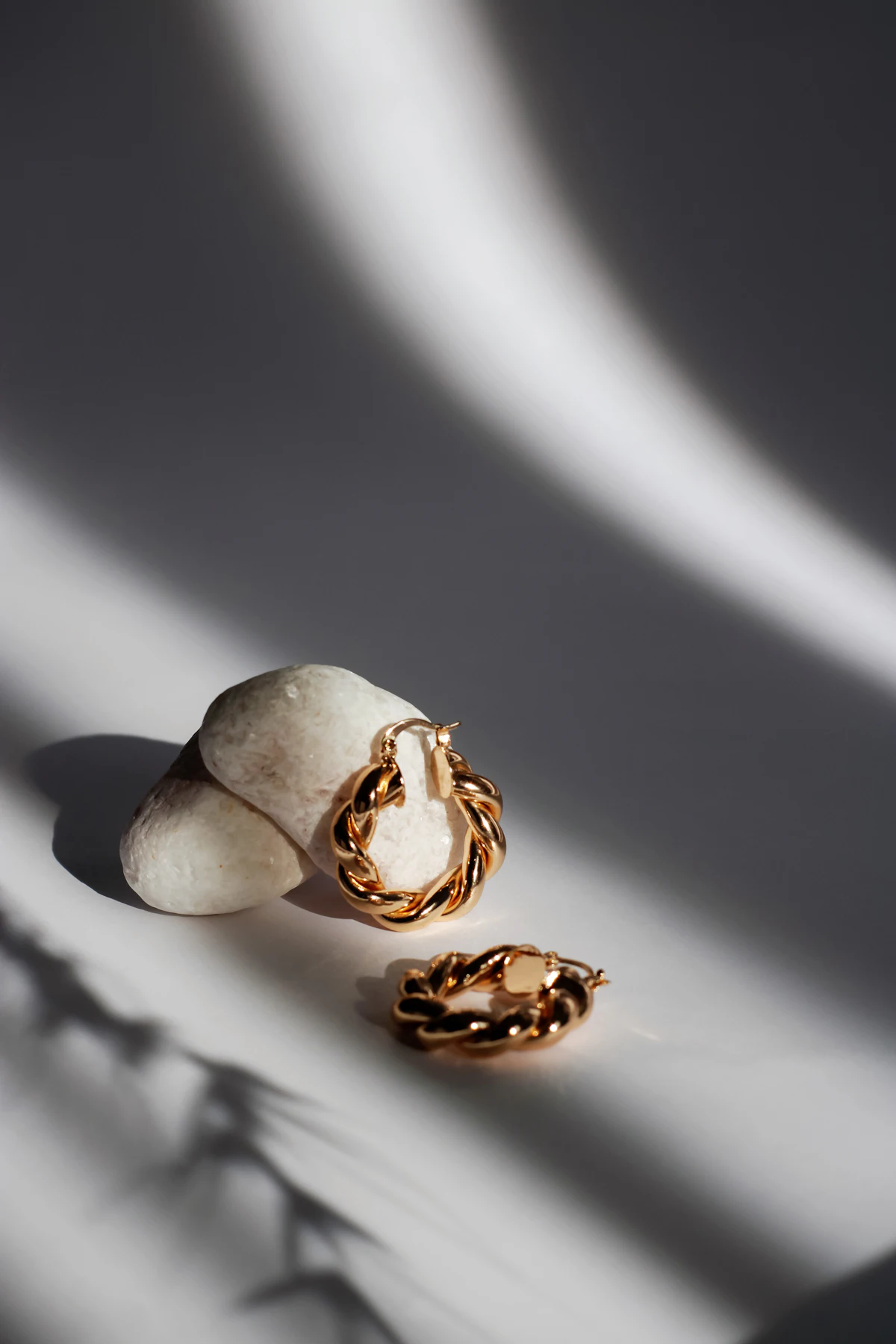

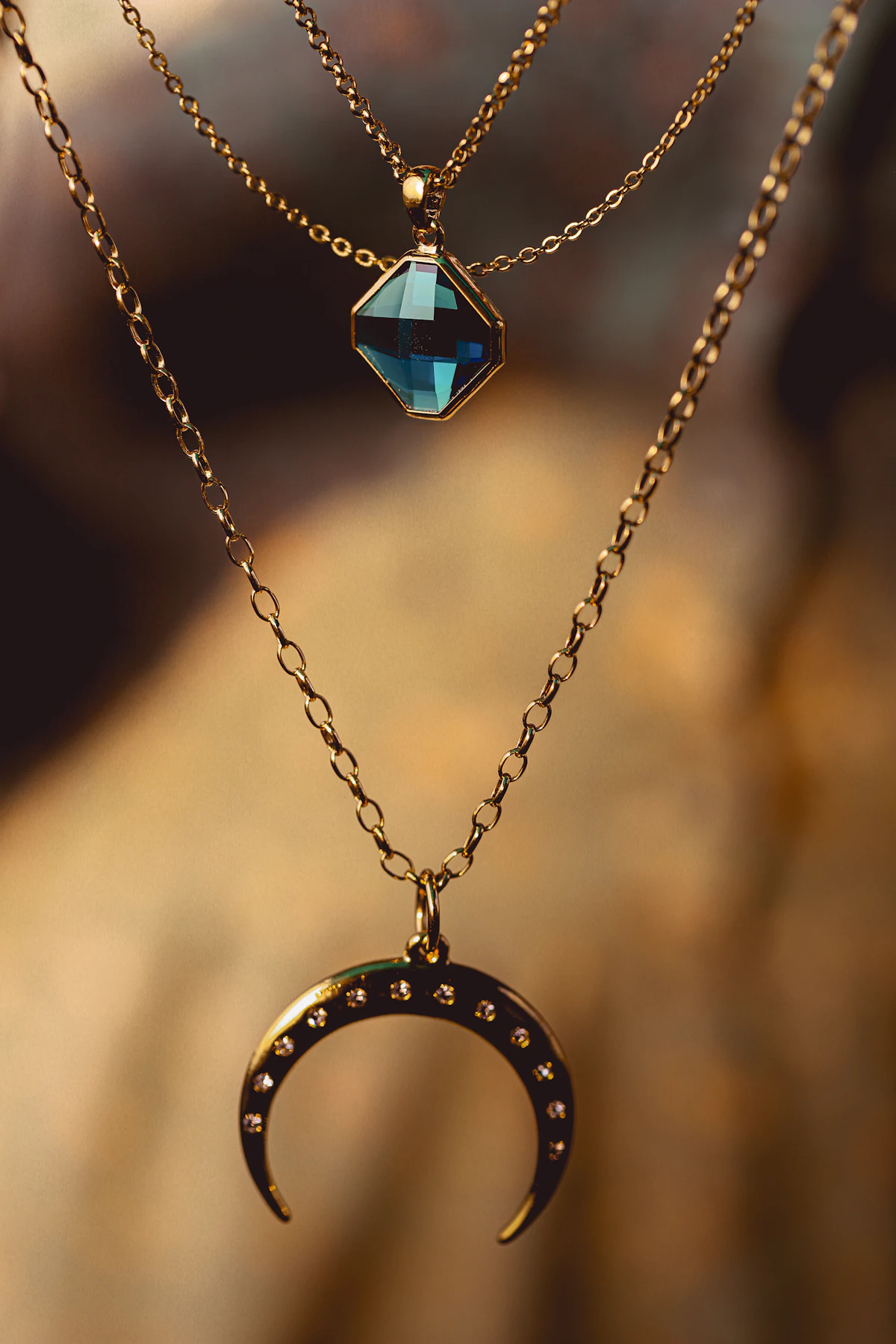
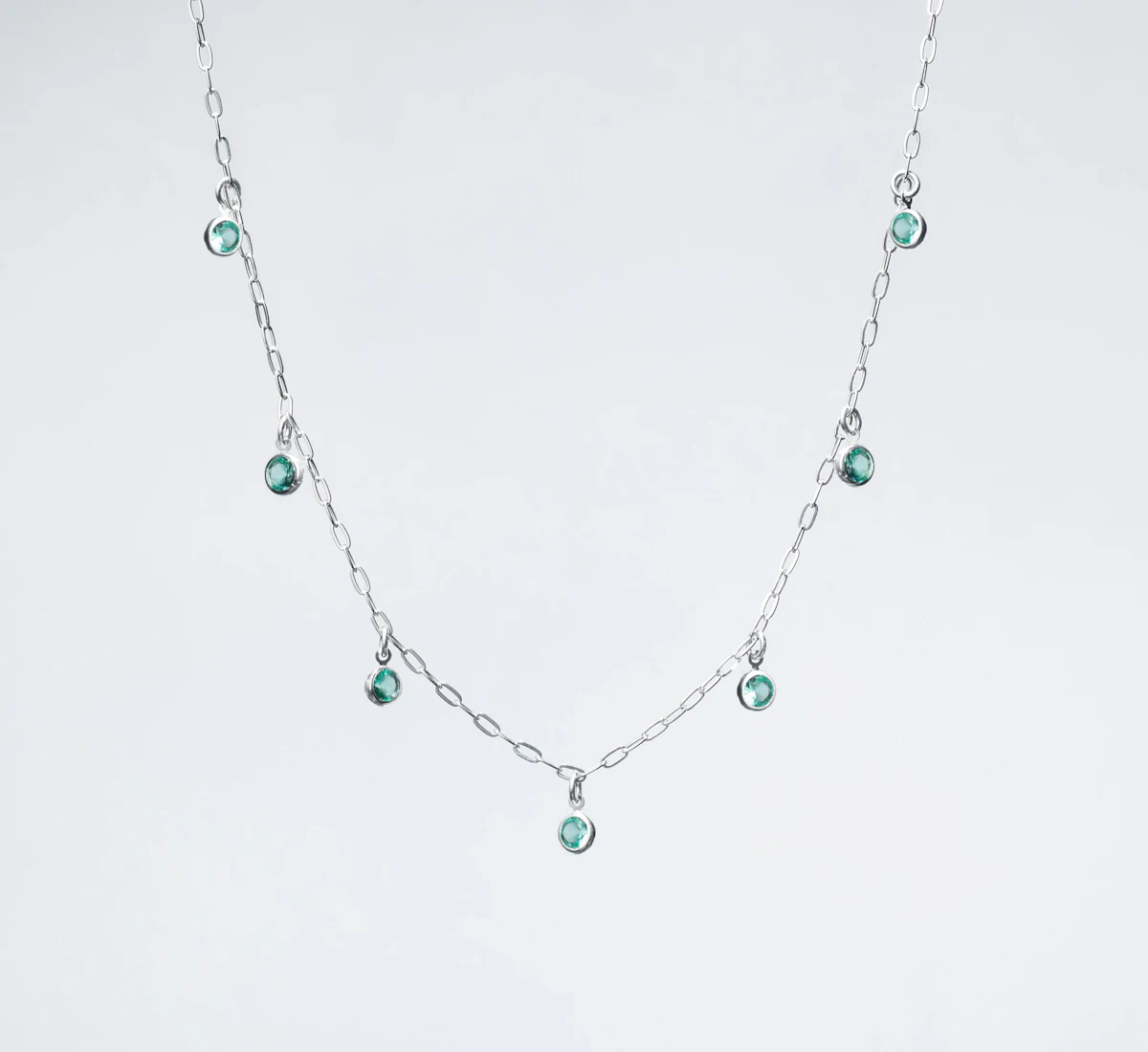
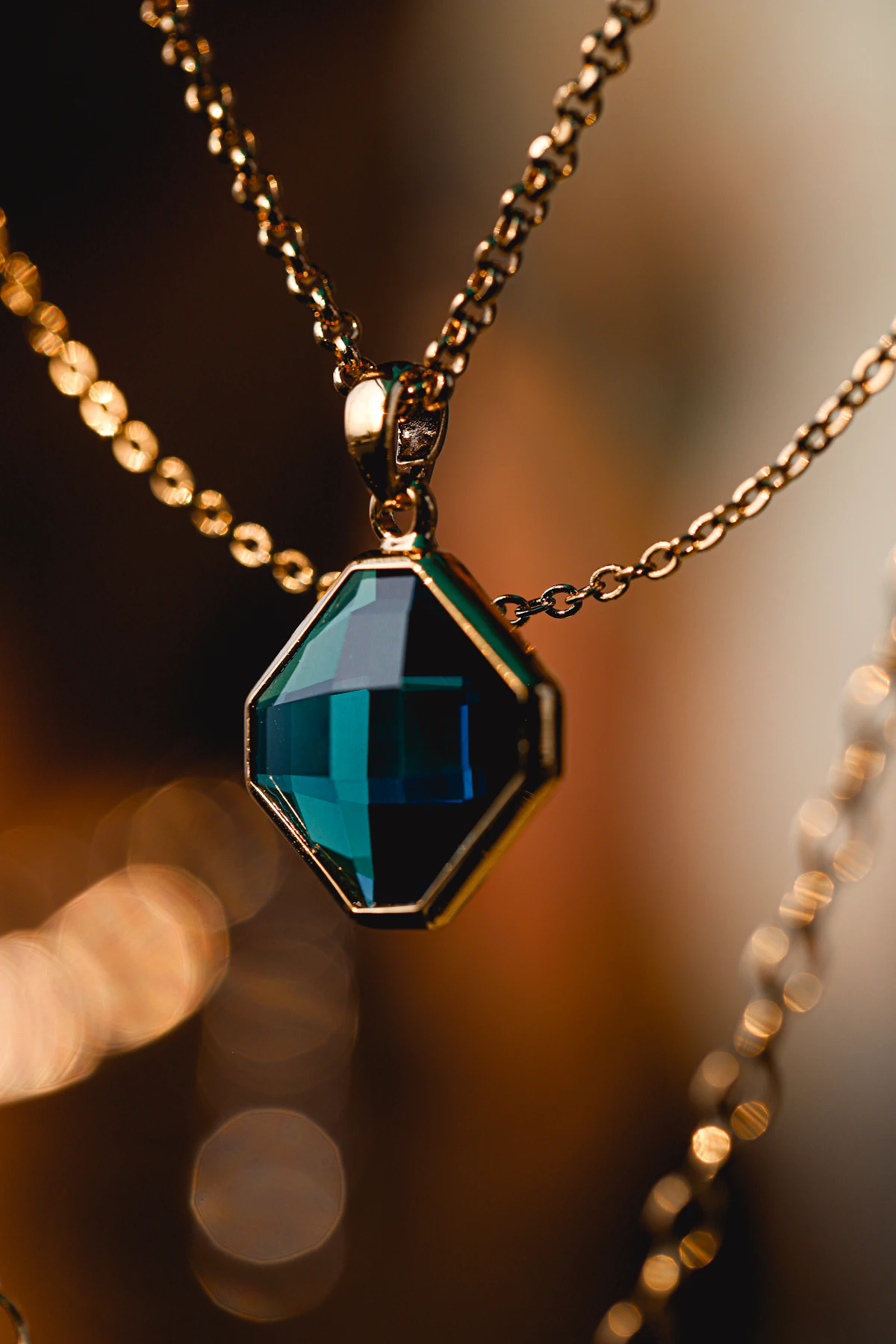


Stock empty means unlimited. Products with sizes or options keep their stock on the Sizes & options tab. Untick On sale to hide a piece from the shop.
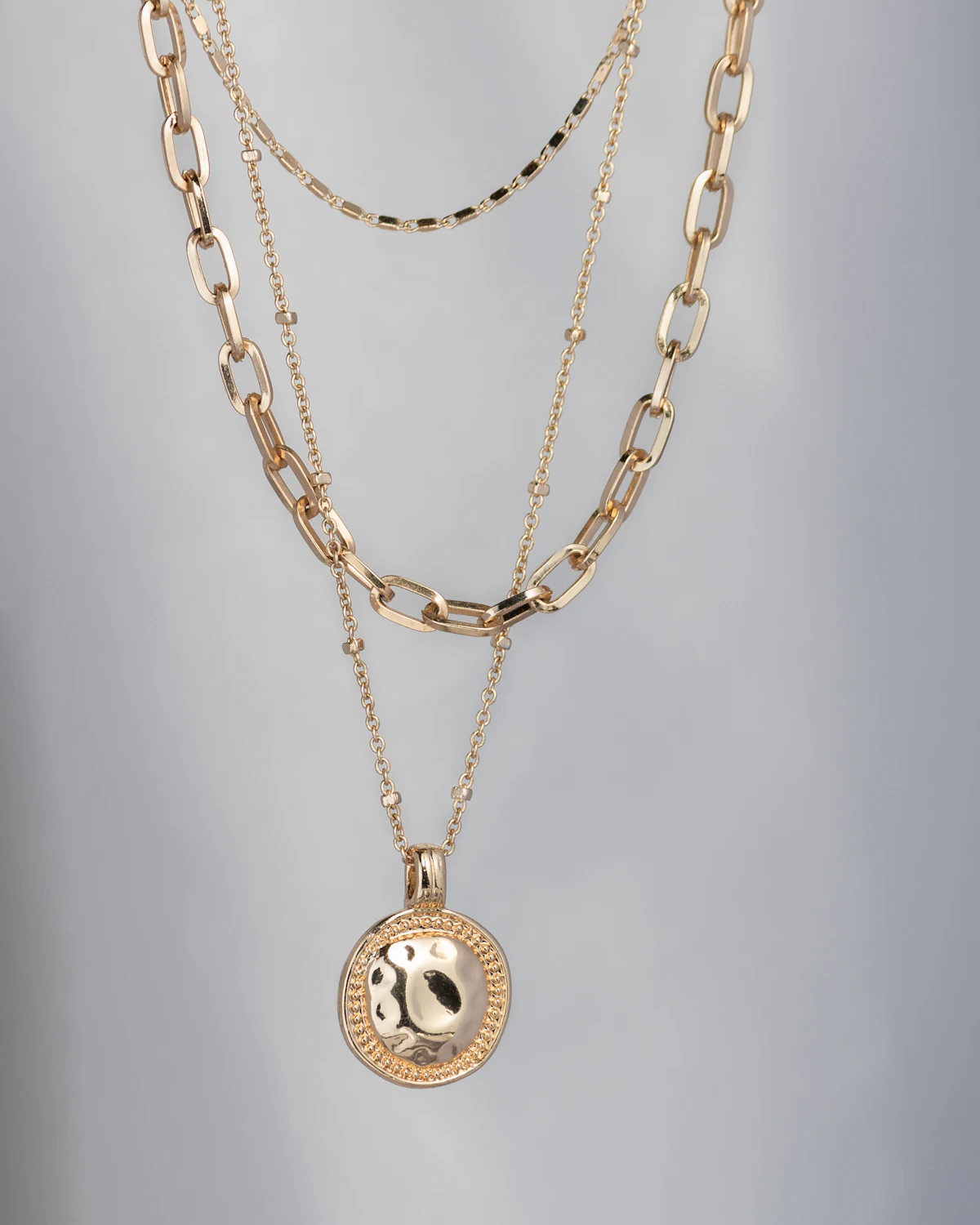
Tide band5 optionsHalo solitaire5 optionsRosa cushion ring5 optionsTrio stacking set5 optionsTwist hoopsNo options, sold as one pieceLagoon dropsNo options, sold as one pieceMoon charm3 optionsSeafoam chainNo options, sold as one pieceLark pendantNo options, sold as one pieceCoin layering setNo options, sold as one pieceLink bracelet3 optionsEclipse braceletNo options, sold as one pieceAn empty price uses the product's price. A product with options is sold by option: buyers pick one before adding it to their bag.
Buyers choose one active rate at checkout (Stripe shows up to five, cheapest first). Days are business days.
Discount codes are private. They show here only when you open this page from your hive.
Buyers type a code in their bag; it is checked at checkout. % off wins when both are set. Ends is in the site's time zone.
Orders and payouts
Every paid order is listed on the Shop tab of this site in your hive, with the buyer, address and what to send. Payments, receipts and refunds run in your own Stripe account.
Your agent can also list orders, mark them as sent with a tracking number, and give you weekly sales figures.
- 1Connect Stripe on the Shop tab
- 2Ask your agent to open checkout
- 3Send paid orders and mark them sent